Turn repeated work into a skill
A skill is a reusable way of doing a task. Use one when you keep explaining the same method, format or checks to Winston.
A one-off question usually belongs in Chat. A skill is useful when the process stays similar but inputs change: a weekly vendor briefing with the same measures and output format, for example.
Start from a result you like
First run the task once and review the result. Correct the definitions, store scope, missing-data behavior and output before asking to reuse the method.
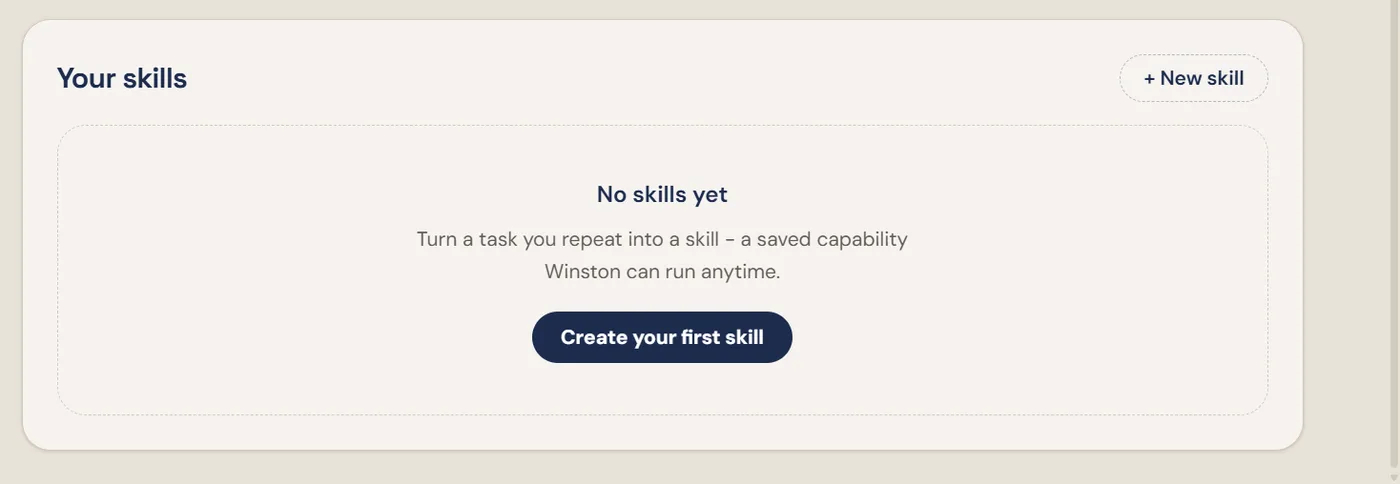
On Overview, find Your skills and select + New skill or Create your first skill. This opens a conversation with a draft message. Read or edit it before sending; opening the panel alone does not send the message.
You can describe the method this way:
Define the reusable parts
Agree on:
- Inputs that change each run, such as vendor and dates.
- Data and connections the task requires.
- Calculations and exclusions that should stay consistent.
- What happens when information is missing.
- Output format and who should review it.
- Any actions the task must not take automatically.
Test before relying on it
After Winston reports that the skill is saved, confirm it is available in Your skills. Run a bounded example and check the result against the method you agreed on. Include a missing-data case so you know whether it stops, asks a question or produces a qualified answer.
If you cannot find the saved skill, ask Winston to identify what was created and where it can be opened. Do not assume a written description of a skill is the saved skill itself.
A skill does not automatically run on a schedule or create an Overview card. Set up recurring work separately and verify its timing and delivery. See Automation and Request a custom monitor.